
 Flash
Flash
Your online flash. Share your files across devices.
What do you want to do on this device?
Send Files
To send files,
1️⃣ Open flash.alprys.com on the "receiver device"
2️⃣ Click on the This device will receive files button.
3️⃣ Enter the Transfer code below or scan the QR code on that screen.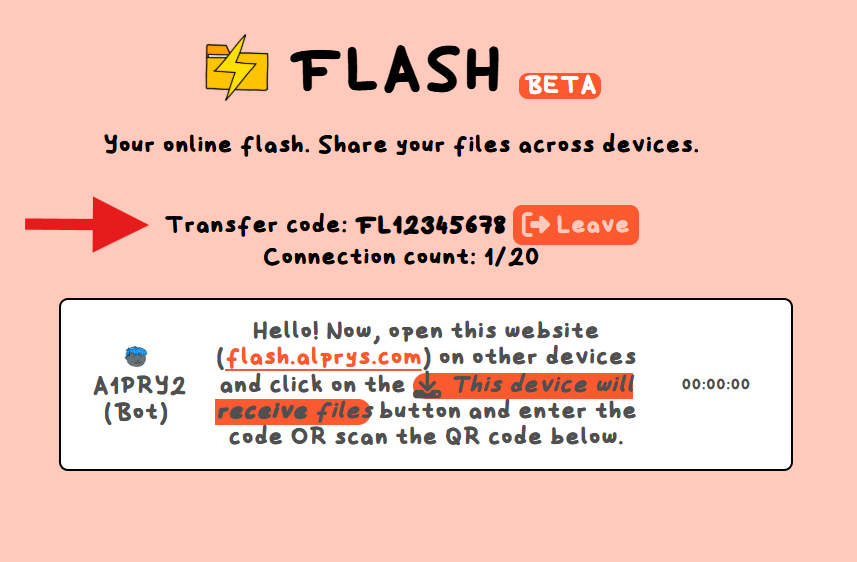
By creating/joining a connection; you agree to Terms of Service, Privacy Policy and to never share sensitive, disturbing, private or illegal content over
Flash.
How To Use
- To start, click on whether you are sending or receiving a file. This will determine your position in the connection between devices.
- To send files, just click the upload button or type out the link in the text box and click send.
- After the file loads on the sender device, it will be sent to the receiver device and they will be able to download or open the file!
 cookies to prevent the loss of important data (like log in information) and therefore to present the best experience to you. The use of these cookies is explained in our